

If the touch is not accurate, you can calibrate it with infrared configuration software
Calibrated touch screen
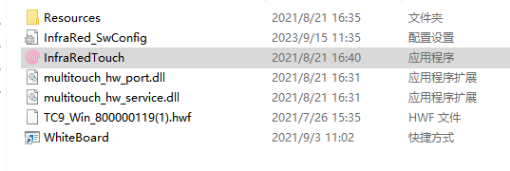
1.open the infrared configuration software.(Double click InfraRedTouch)
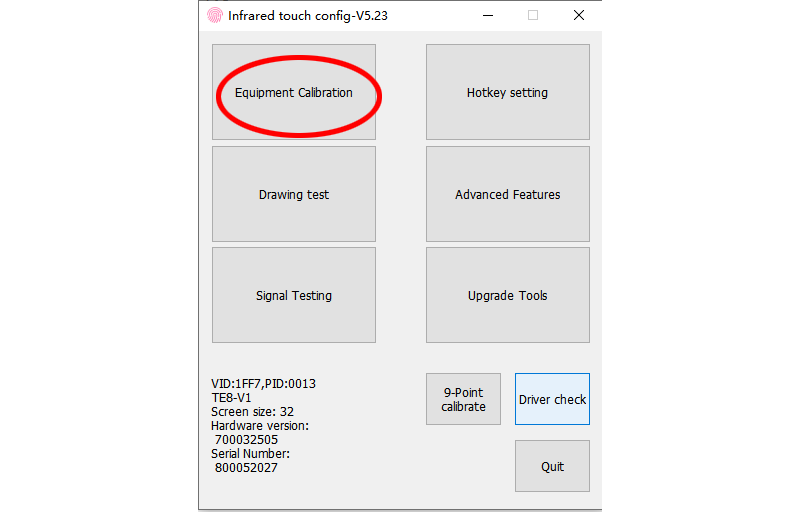
2. Click “Equipment Calibration”
3. Place your finger in the center of the cue point until it prompts the next point
Calibration video below