High-quality aluminum alloy: Ultra-narrow bezel design, simple and elegant, hard and durable, rust-proof and resistant to corrosion Use.
Black brushed finish: Fine texture, resistant to scratches, non-fading, and remains as new for a long time.


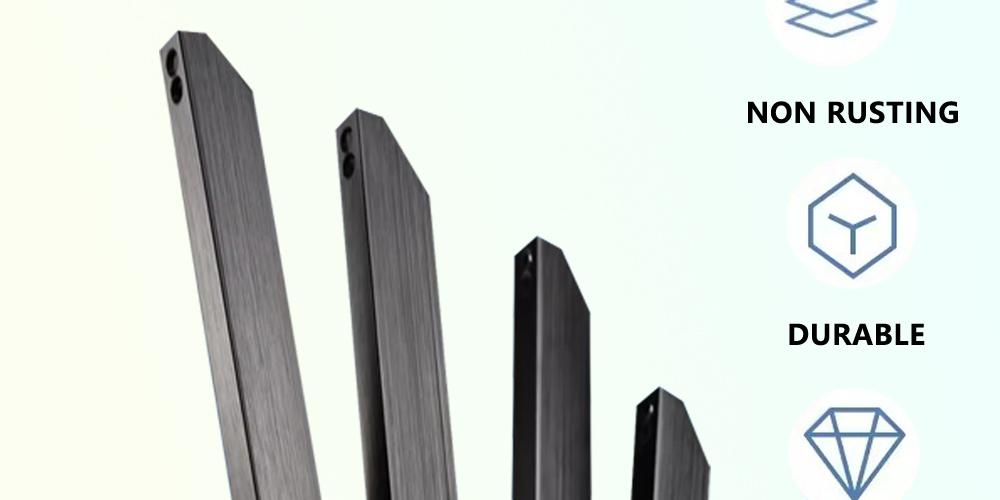
High-quality aluminum alloy: Ultra-narrow bezel design, simple and elegant, hard and durable, rust-proof and resistant to corrosion Use.
Black brushed finish: Fine texture, resistant to scratches, non-fading, and remains as new for a long time.
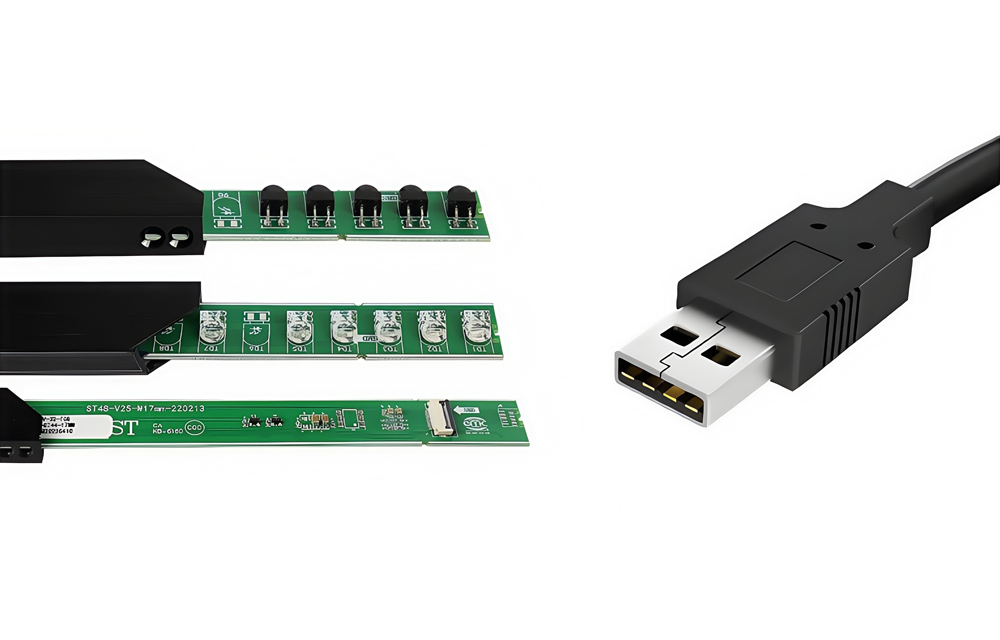
High-quality chips: High-precision touch, fast response, adaptable to various lighting conditions.
LED chip lifespan: 60,000 hours. Stable and durable, reducing maintenance costs.
Standard USB interface: Plug-and-play, driver-free compatibility, convenient and efficient.
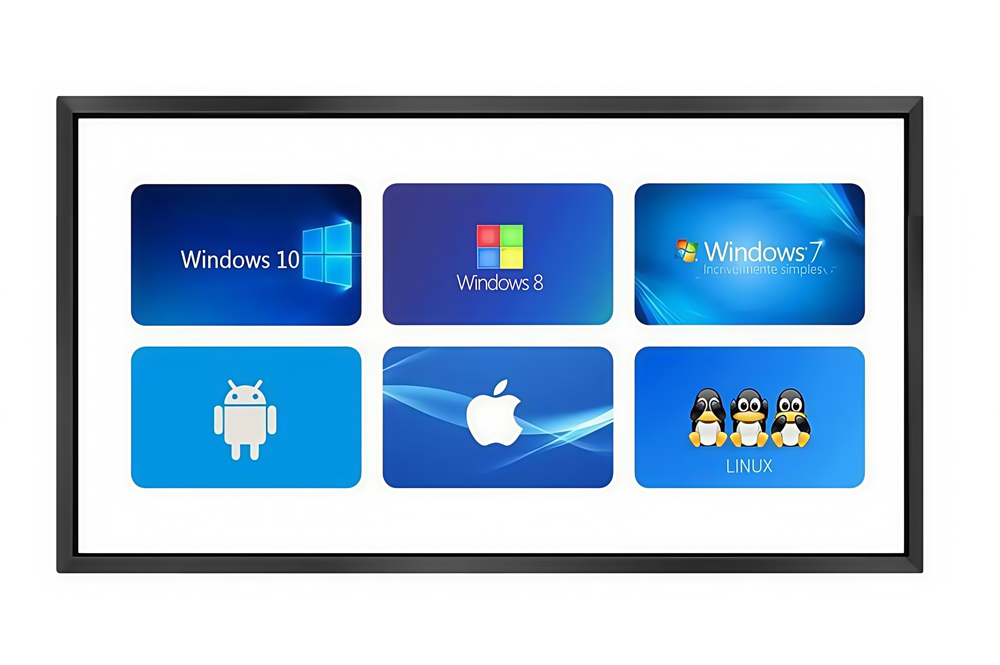
Broad compatibility: Supports multiple operating systems, including Windows 7, Windows 8, Windows 10, Windows 11, Android, Linux, Mac, and Windows XP.
Seamless connection: No complex setup required, ensuring the device can be quickly connected and operate stably.
Cross-platform compatibility: Suitable for various scenarios such as education, business, and industry, and compatible with various hardware devices.
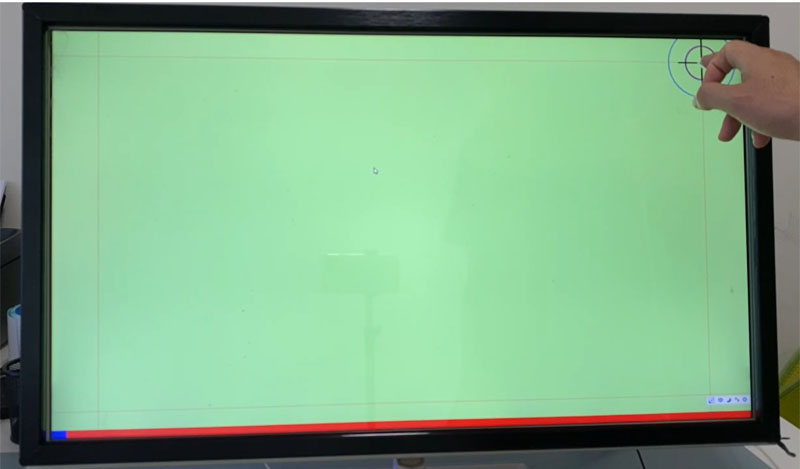
Using the infrared touch screen configuration software, the touch screen can be calibrated.
Generally speaking, when the size of the touchscreen matches that of the display, there is no need to calibrate the touchscreen.
When the touch screen is larger than the display, it is necessary to calibrate the touch screen.
When changing the display from landscape mode to portrait mode or vice versa, the touchscreen needs to be calibrated.
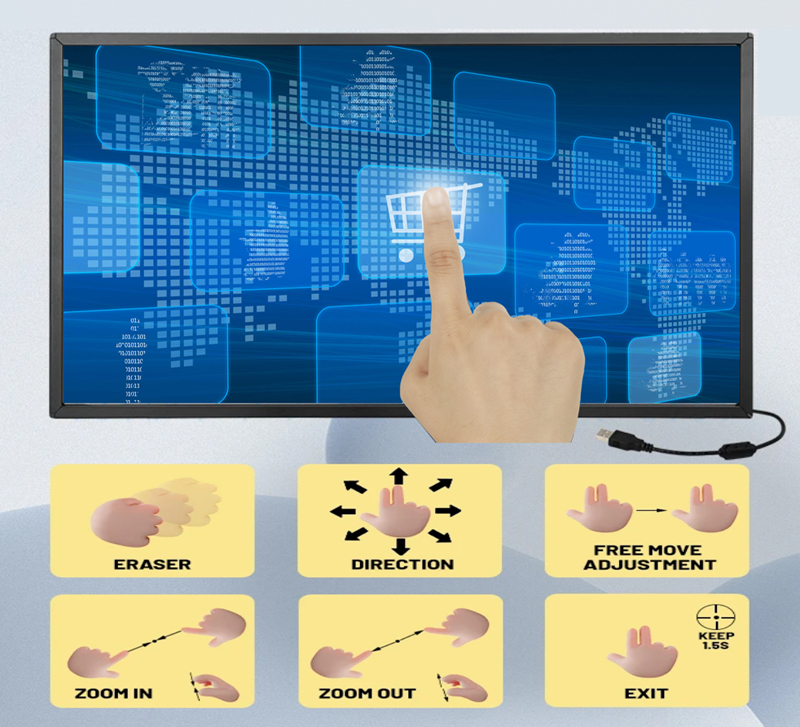
By adopting the independently developed multi-angle hybrid scanning technology, it is capable of accurately identifying the random points of multi-touch, without any drift phenomenon, and each touch point will not interfere with each other.
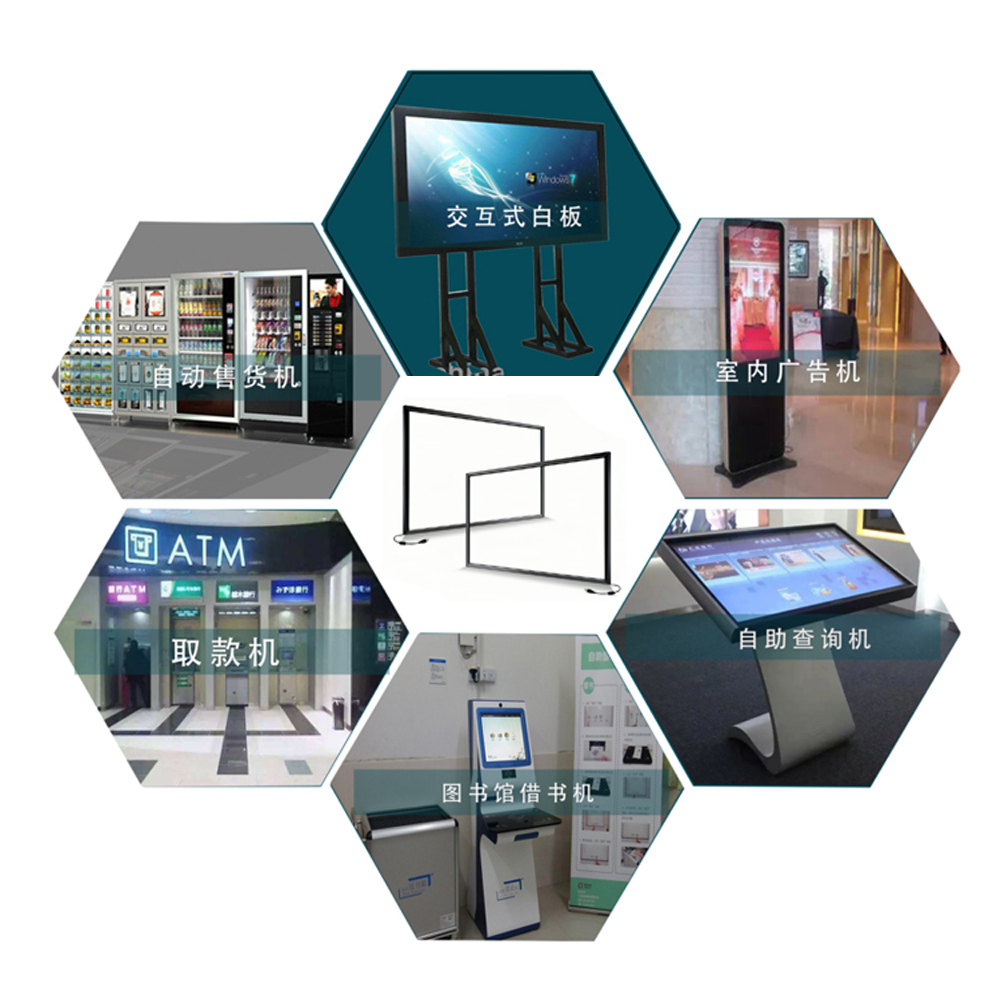
The XINTOUCH infrared touch frame is widely used in various fields that require human-computer interaction, such as gaming and entertainment, education, industrial control, new retail, finance, and self-service.
The infrared touch frame has strong anti-interference ability and precise touch. It can be applied in complex environments. It has strong adaptability and can upgrade the firmware according to different operation methods. The default operation is clicking, writing, etc. with fingers or touch pens. For games like ball-throwing on game consoles, the speed is relatively fast and the touched objects (balls) are relatively large. By upgrading the firmware, a better touch experience can be achieved.