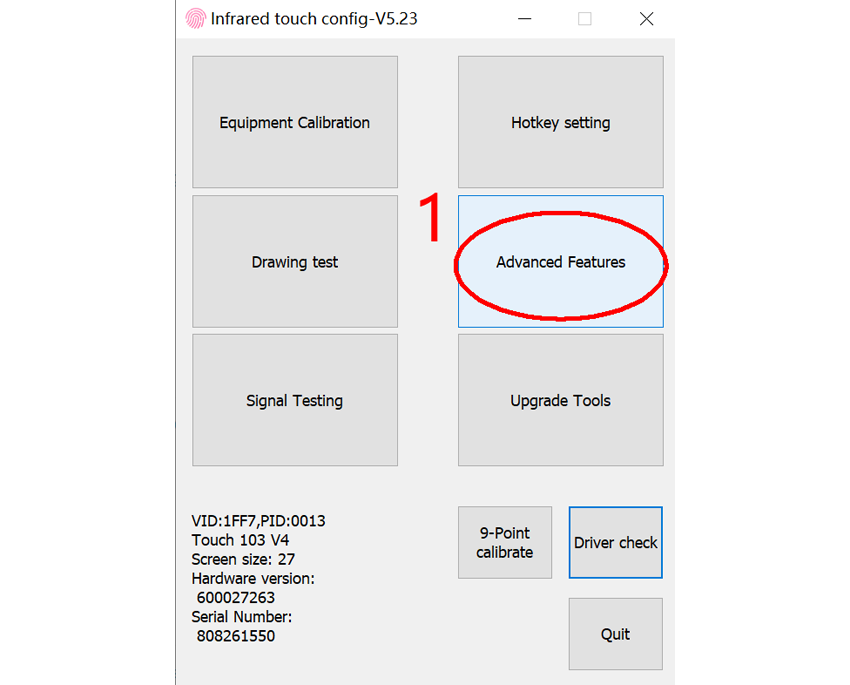
1. Open the IR touch configuration software
First, download the IR touch configuration software to a Windows computer (supports Windows 7/8/10/11), unzip and open "InfraRedTouch.exe".
2. Click "Advanced Features"
3. Click "Tablet PC Config"
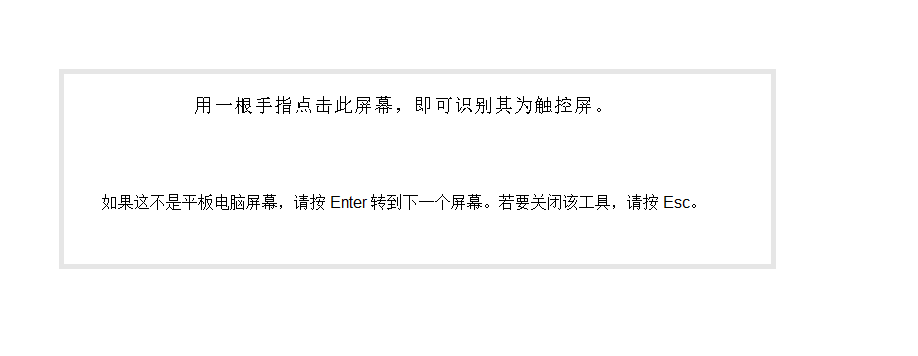
5. Press the "Enter" key, and the information shown in the image below will switch between different monitors. When it appears on the monitor you want to lock, tap the IR touch screen with your finger or a touch pen. At this point, the locking of the IR touch screen and the monitor is complete.
Video of locking IR touch screen in multi-monitor setup