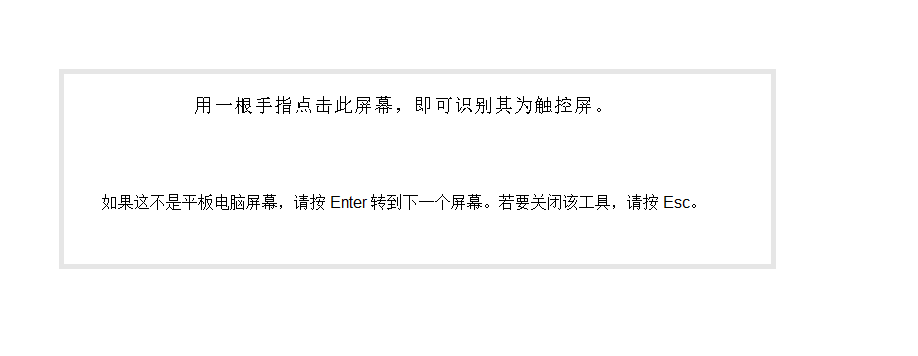

If a computer has 2 or more monitors, you need to calibrate the touch screen as follows:
Multiple display setup with touchscreen
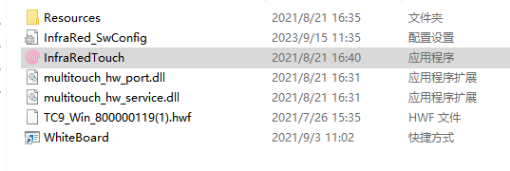
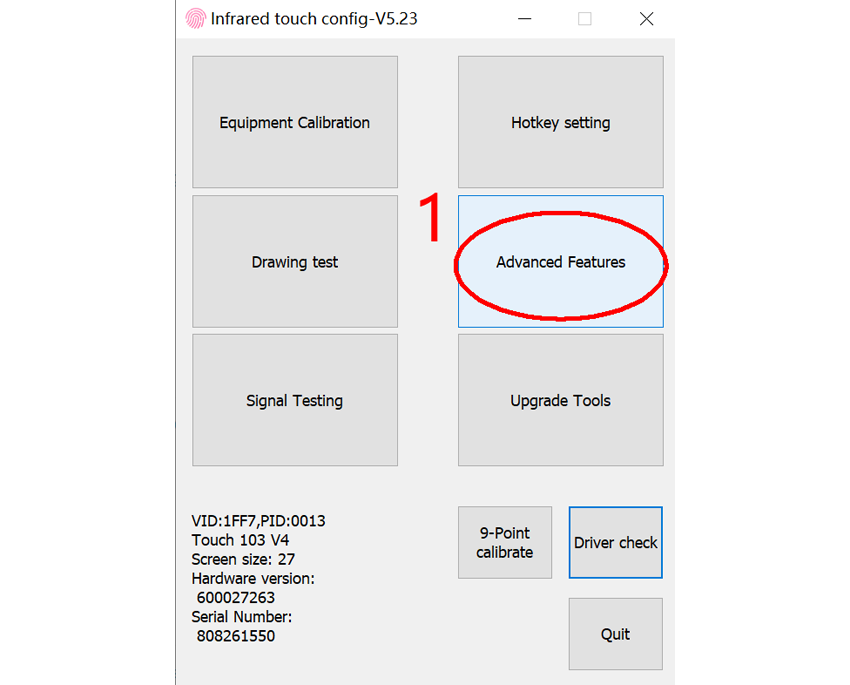
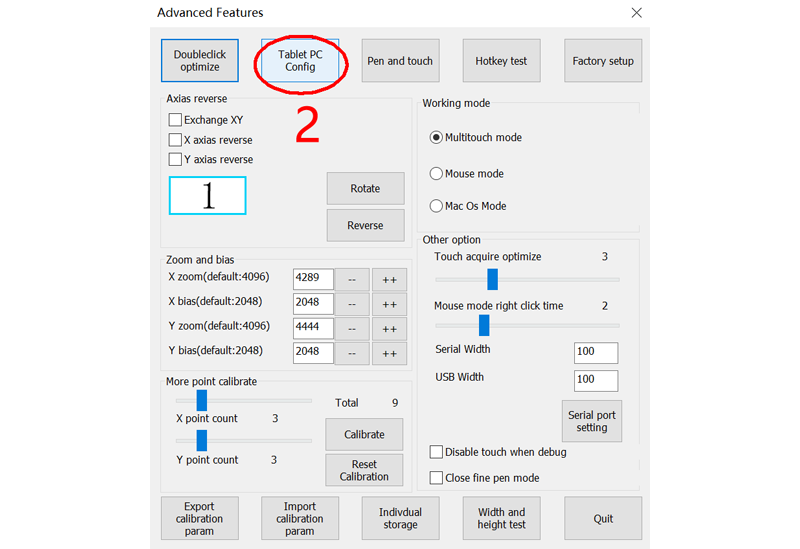
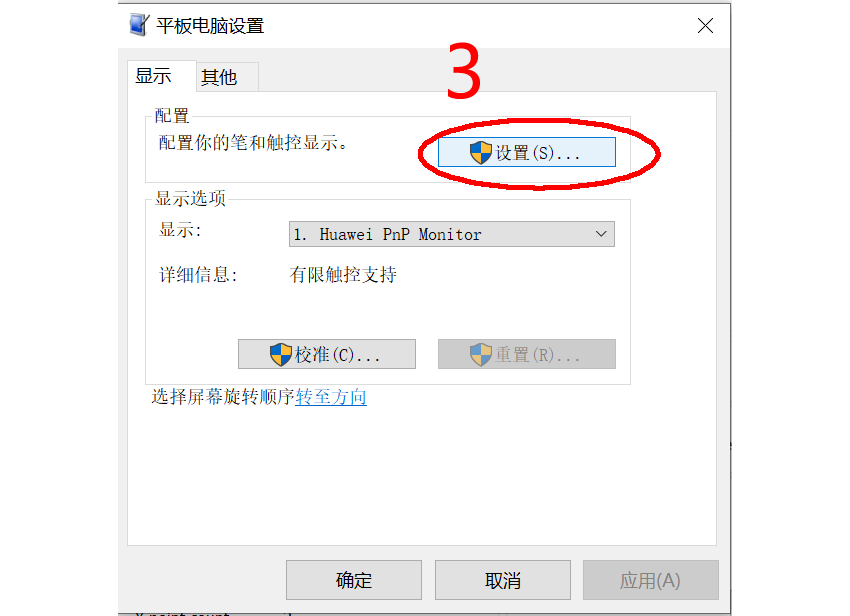
Press the "Enter" key until the following instructions appear on the display that you need to match with the touchscreen. Then, use your finger to click on the touchscreen. At this point, the matching is complete.